Search
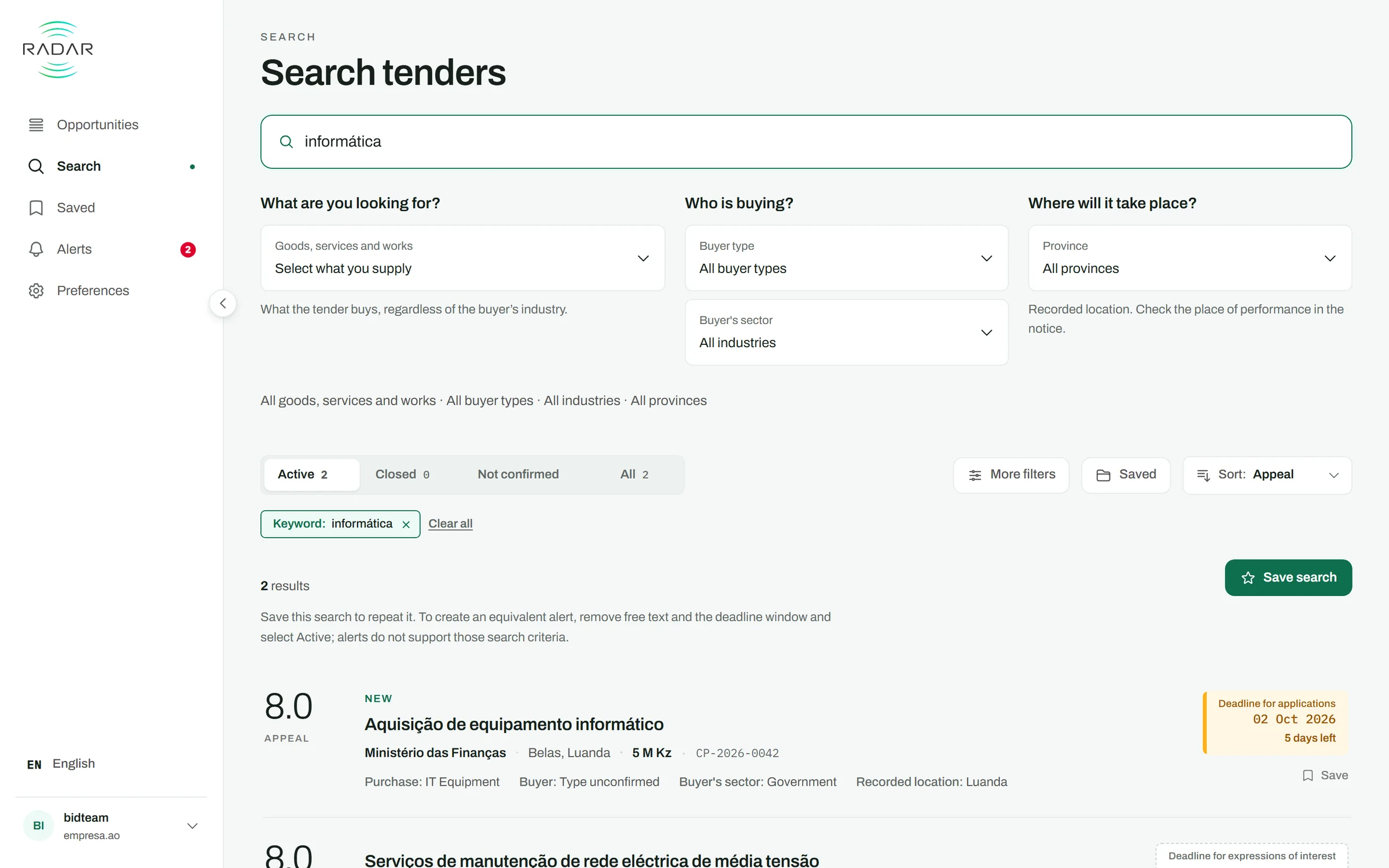
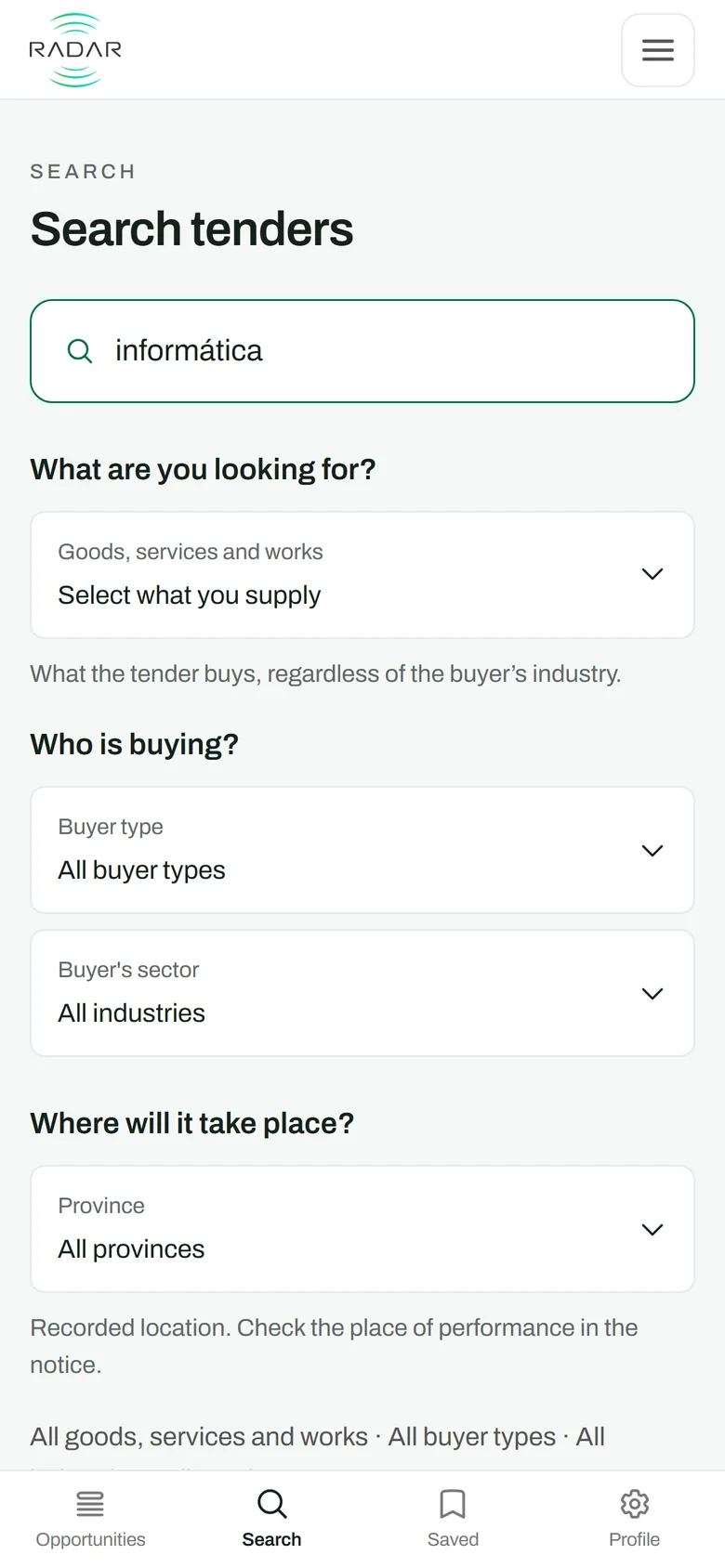
Search by word, filter by status, sort by relevance or by deadline. Save the search, save the tender, or create a similar alert from it.

Tenders and supply opportunities · Angola
Nobody in your company has to read the newspaper, the portal and the buyers' pages looking for tenders again. Radar reads those sources for you and emails you the tenders that match your company's line of business.
It is for you if you sell to the State — ministries, municipal administrations, hospitals, institutes — to the banks, or to the oil operators that buy outside the portal.
 0:58
0:58
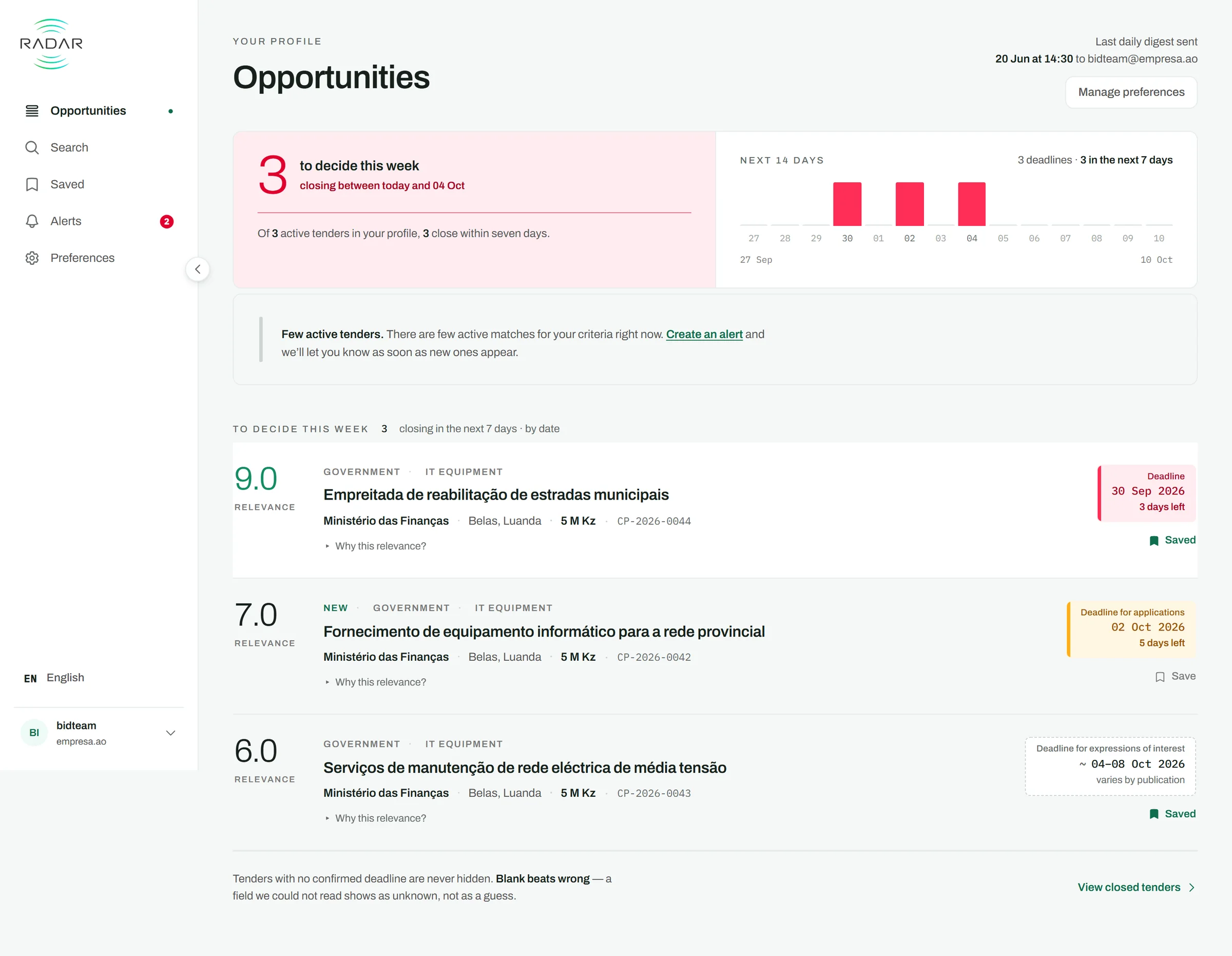
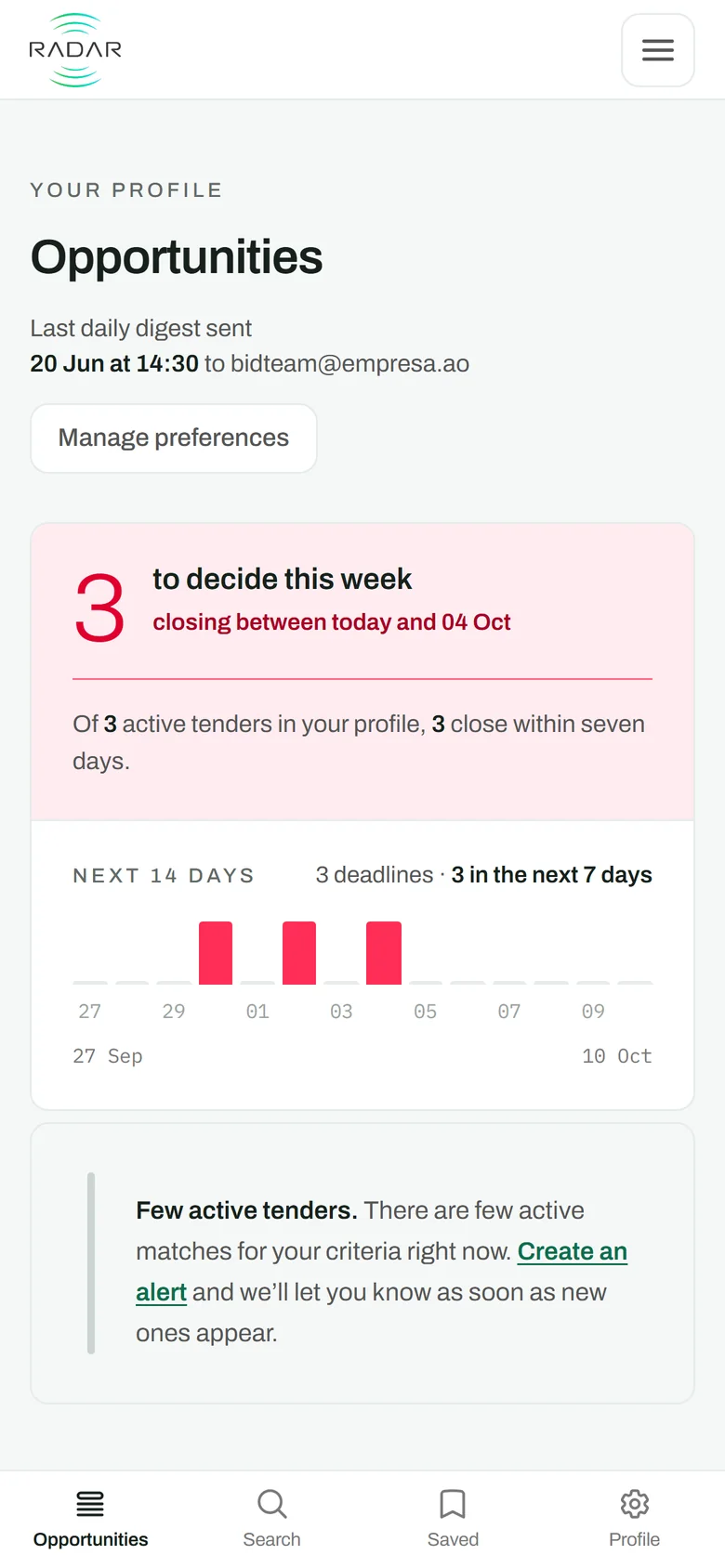
Screenshots of Radar, with sample data.
Count of . The 3,398 publications made 2,300 tenders: the same tender is often published many times, and on your panel it appears once.
What leaves your week
Today, following tenders takes part of the day of someone who has another job — a manager, a salesperson — and it is done in the gaps between everything else, with nobody answering for a tender that slips by.
You stop
Doing it in-house means assigning someone to several channels every day, indefinitely, for a result that on most days is nothing. Radar does that reading every hour, including every page of the printed edition.
You stop
When the buyer extends, cancels or changes the status, it is the tender you already have that is corrected. The next digest brings the correction, with the old date and the new one — not a second tender.
You stop
A tender printed in the newspaper and listed on the portal reaches you only once, with both sources in view and the identifier each one gave it.
You stop
Save what matters in Radar itself, or create an alert: when a similar tender appears, you are told on the next pass, not at the end of the day.
Still yours
Extraction is automatic and can fail. Every tender links to the original notice, so you can confirm the details there.
Still yours
Every tender counts the fields the notice left blank — bid bond, tender documents, contact — so you know what you still have to ask the entity for.
How it works
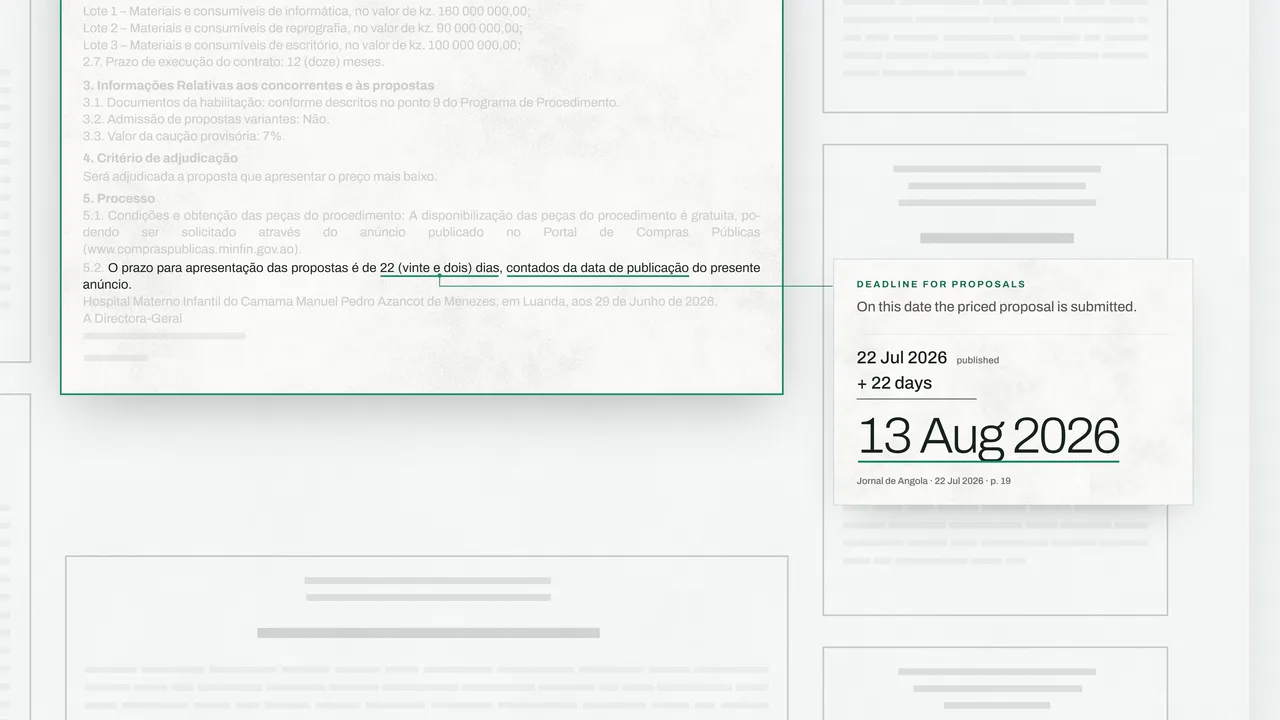
The tender below is real and has already closed. It was published in the Jornal de Angola and on the Portal de Compras Públicas on the same day, and it reached you only once, with the date exactly as the buyer published it. It is not any customer's account.
01 · The sources
02 · One tender
Health · Supply of Goods
03 · Your profile
Why you are seeing it
04 · Every day
To decide this week
03/CP/HMIC/2026 · Jornal de Angola, issue of 22 Jul 2026, page 19 · Portal de Compras Públicas, PCP-202619755, listed on 22 Jul 2026. 3 lots (as the buyer named them):
Read from the archive on .
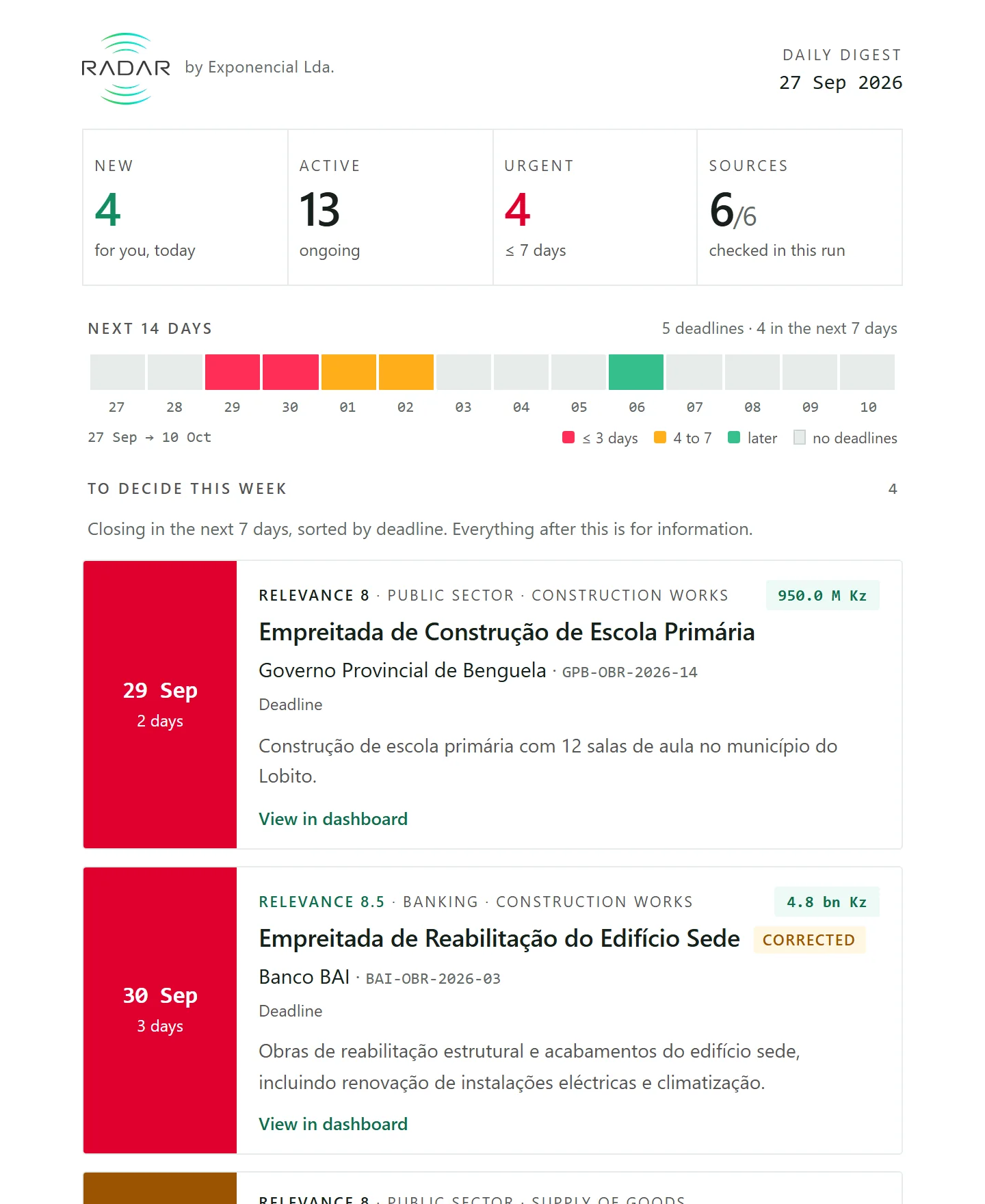
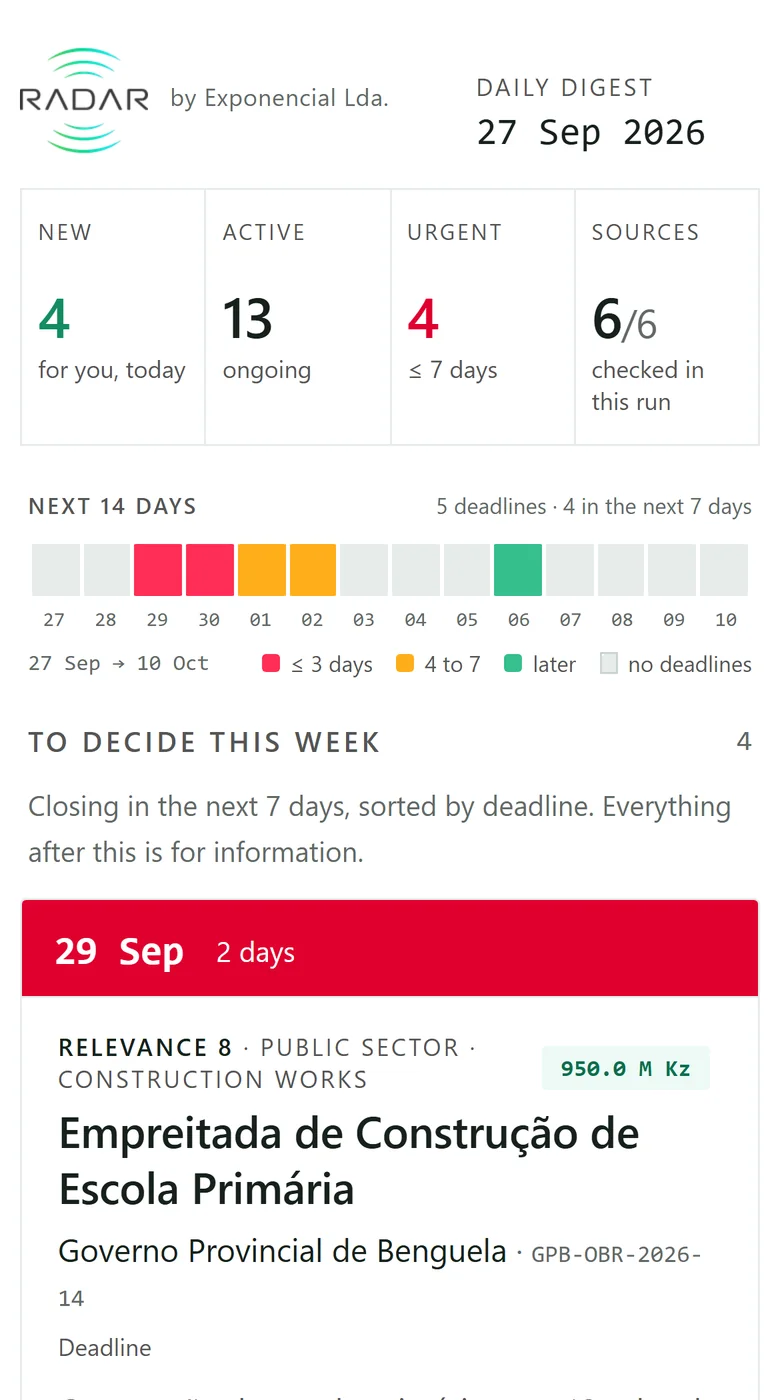
First what you have to decide this week, sorted by deadline. Then the most relevant for your profile, the day's new ones and what has changed. Every tender leads to its detail on the panel.
The buyer extends the deadline. We correct the tender you already have, and the next digest brings a correction — not a second tender. The dates here are an example.
The email above shows sample tenders, not this one.
Where they are published
were published in the Jornal de Angola.
were published on the Portal de Compras Públicas.
tenders appeared in neither of the two — only on the buyers' own pages.
Measured over the 2,300 distinct tenders in the archive, on . Some tenders are published in both sources, so the percentages overlap.
Of the 657 notices we read in the Jornal de Angola since 1 June 2026, 94% were in the archive on the very day the edition came out, and all of them by the next day.
It measures when a notice becomes available, not how many exist. Measured on .
A tender takes half a column, among auction notices and meeting calls, with no typographic emphasis. Reading the edition does not guarantee seeing the notice — and the example above was on page 19.
Four in ten tenders close in two weeks or less. More than a third of those give you seven days to decide whether to go ahead, gather the documents and submit.
The sources
The newspaper where the law requires publication, the State's portal, and the procurement pages of four large buyers. We read these 6 every hour.
The daily newspaper where public tenders must be announced. We read its pages with text recognition and extract each notice.
The State's procurement portal, read directly from its register, with the procedure number, the contracting entity and the attached documents.
The bank's tenders page, open and completed: a private buyer that publishes without going through the portal.
Tenders from CABGOC, the operator of Block 0, published on Chevron's Angola page.
Esso's public tenders for Block 15, published on the operator's Angola page.
Expressions of interest addressed to business partners of the BP–Eni joint venture, with the technical requirements the page publishes.
Rigour
01 · Deduplication
When a source publishes it again with another deadline, it is that tender that is updated.
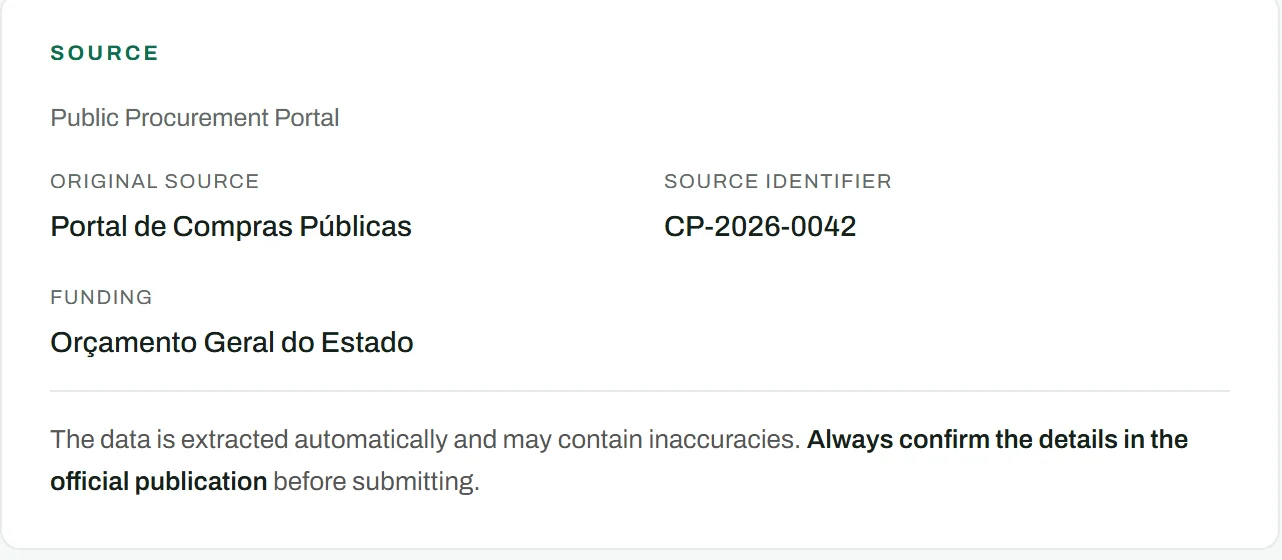
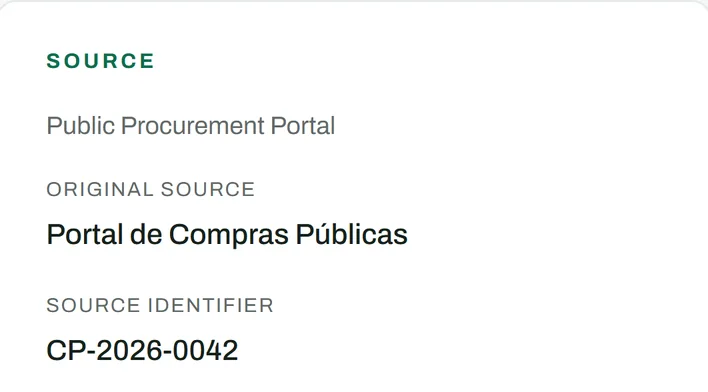
In every tender's detail the provenance is in plain view — and so is the warning that the data is extracted automatically.
02 · Deadlines
A wrong date makes you prepare a proposal for a tender that has already closed, or give up on one that was still open.
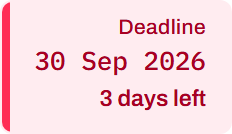
The date exactly as the buyer published it, and how many days are left counting from today.
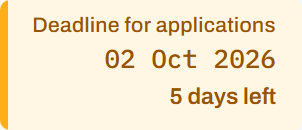
Applications, submission of proposals and collection of the tender documents are different deadlines, printed in the same paragraph. We say which one this is.
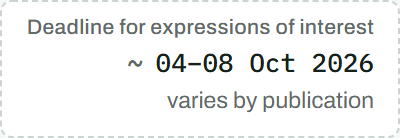
When the sources do not agree on a day, we publish the range instead of choosing one.

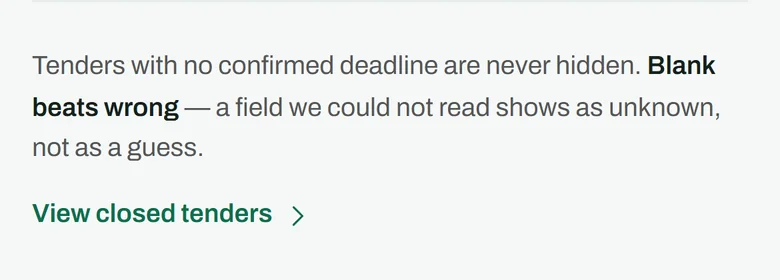
A tender with no deadline read is never hidden: it moves to the end of the list.
03 · Relevance
Tell Radar what your company supplies, who you want to sell to and in which provinces you work. Every tender gets a Relevance score, and it is that score that orders the panel and the daily digest.
And a tender we could not classify still reaches you.
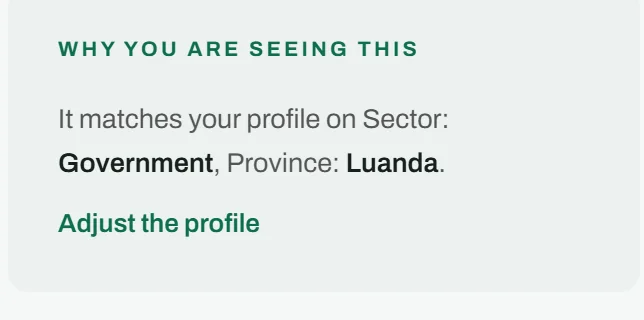
Every tender says why it appeared for you, and takes you to the preference that made it appear.
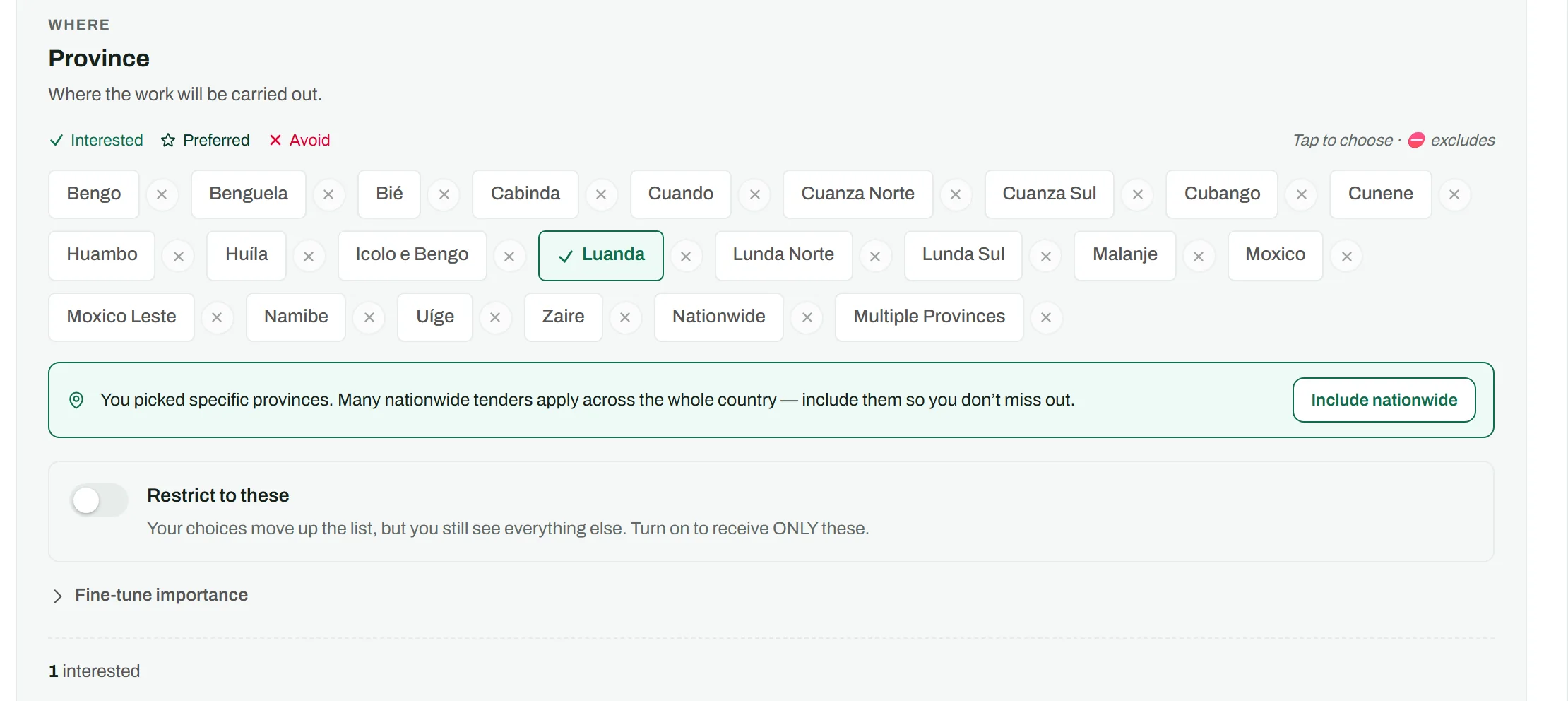

Every choice tells you at once how many active tenders now match you, before you save.
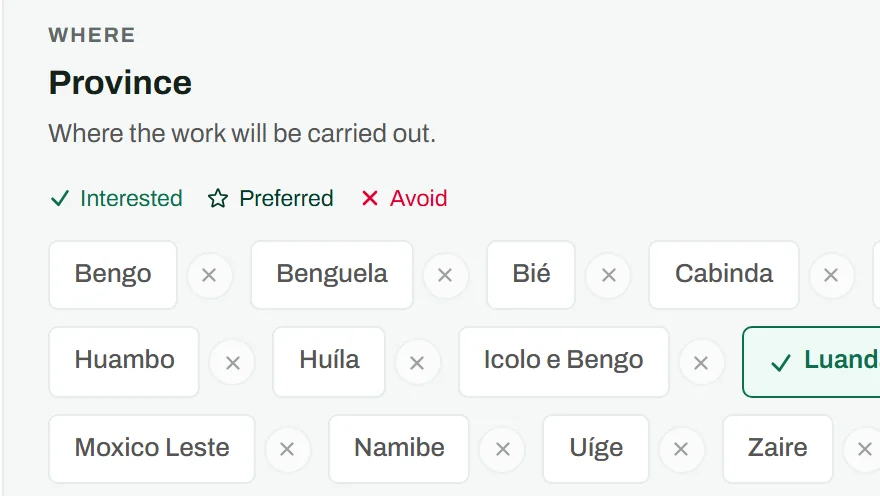

Every choice tells you at once how many active tenders now match you, before you save.
The product
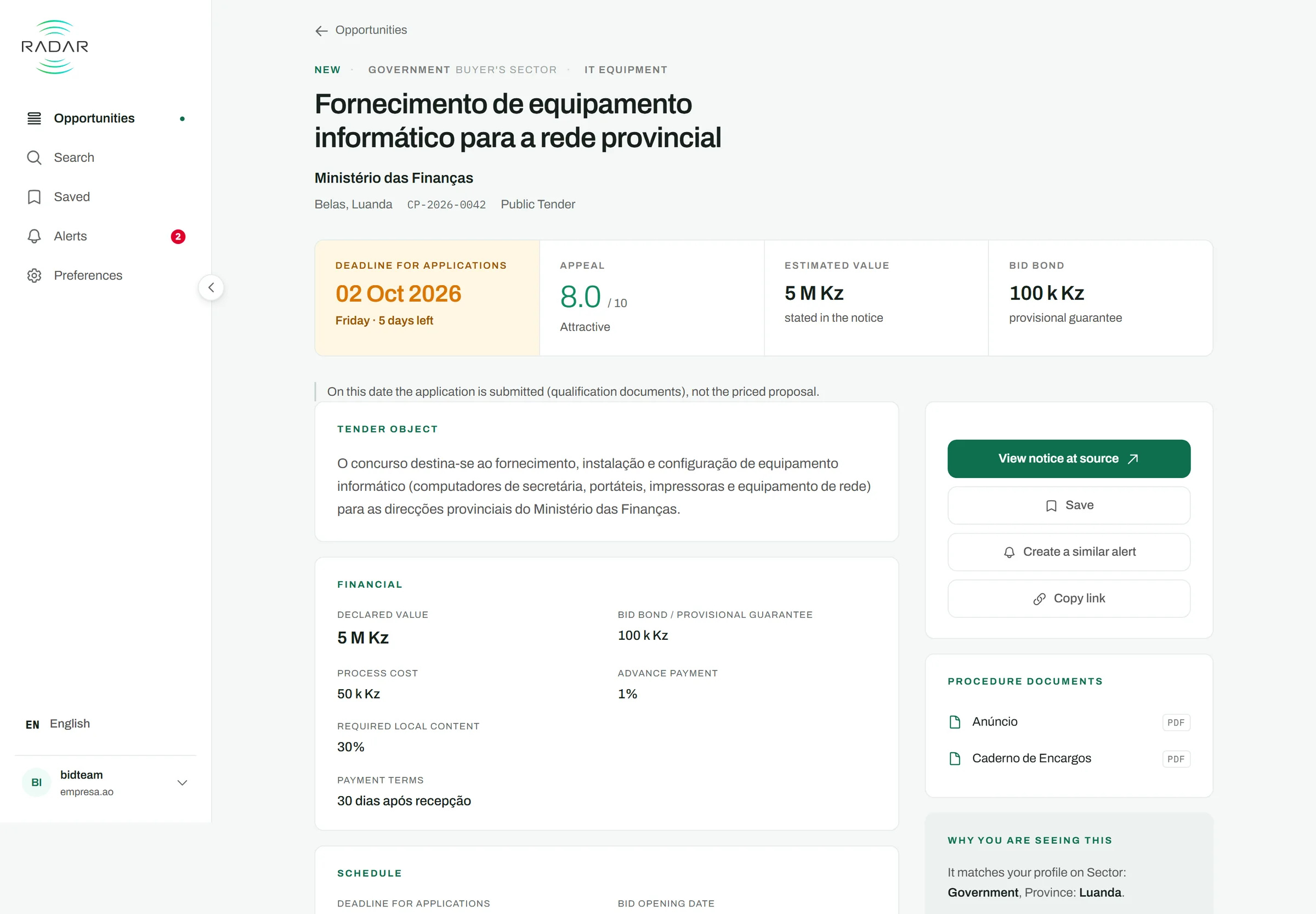
The daily digest reaches you every day. The app is for when you want to search: open, closed, and those still awaiting confirmation from the source.
Search by word, filter by status, sort by relevance or by deadline. Save the search, save the tender, or create a similar alert from it.
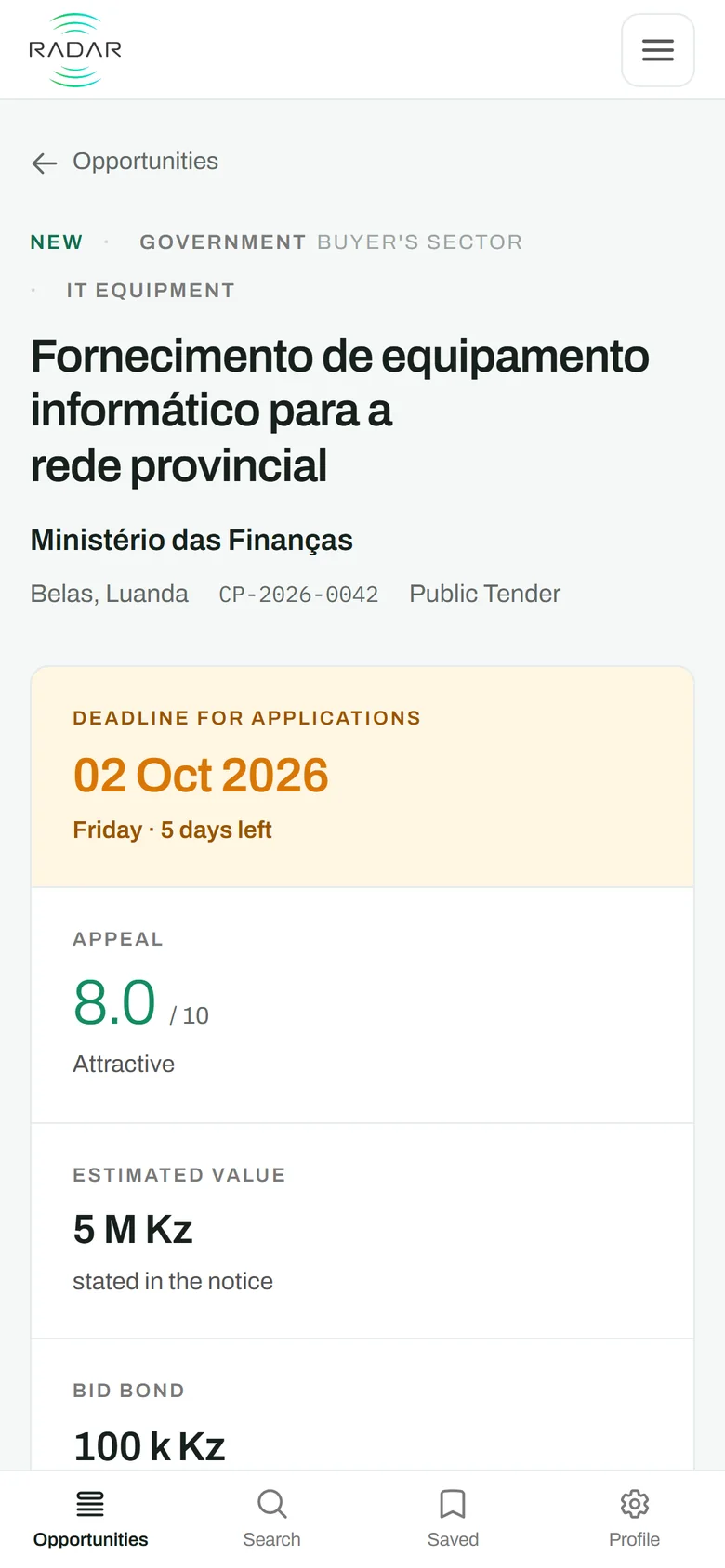
Deadline, declared value, bid bond, local content, tender documents and the entity's contact — and the count of the fields the notice did not state, so you know what you still have to go and get.
Who reads
Radar is made by Exponencial Lda., in Luanda. We have read the Jornal de Angola since 15 April 2025: up to , 352 editions brought at least one tender to the archive.
Questions
From the 6 sources above, and from nowhere else. The pages of the Jornal de Angola go through text recognition and a language model that extracts each notice; the portals are read directly from their register. Every tender keeps the source where it was seen, the identifier that source gave it and the publication date, and links to the original notice whenever the source publishes it.
Yes. This page changes on the day a source starts being read, never before: a name on this list reads as coverage, and promising coverage that does not exist yet is the quickest way to make you miss a tender.
We write the date we read in the notice and say which deadline it belongs to. When the notice does not give one, or when we could not read it, it appears in words — «deadline not stated» — and never as a blank space nor as an estimate of ours. Even so, Radar asks you on every tender to confirm the details in the official publication before submitting: the data is extracted automatically and may contain inaccuracies.
The tender you already have is corrected. An extended deadline, a cancellation or a change of status reaches you as a correction in the next digest, with the old value and the new one. It is not a new tender, and it does not count twice.
We do, with you. In the beta each company comes in one at a time, and the first conversation is for writing the profile: what you supply, to whom, in which provinces, and the words you use to say it.
The profile you define — industries, service types, provinces, entities and keywords — is used only to order what we deliver to you. It is not visible to other subscribers nor to the contracting entities, and it does not appear anywhere in the product that another company can open. What we process, why and for how long is written in the Privacy Policy.
On the Alerts screen you can pause the daily digest and turn off each rule, at any time and without talking to us. To delete the account and the profile, write to us and we delete them.
Access
We reply with an invitation when there is a place, or to say when there will be. Companies come in one at a time, and the beta has no cost.
Already have an account? Sign in at app.radar.ao